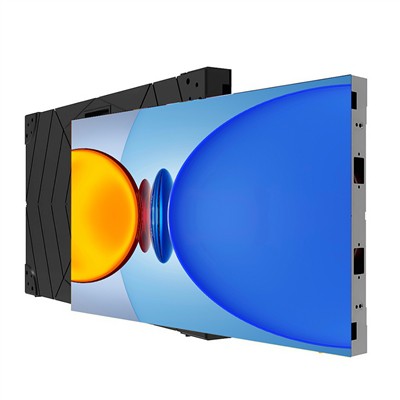
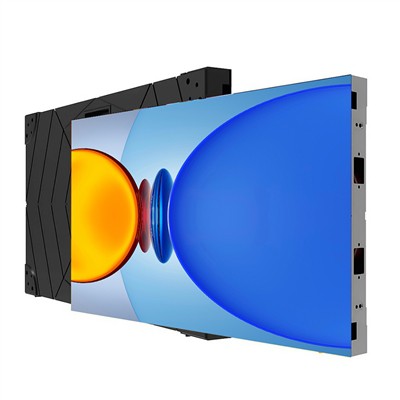
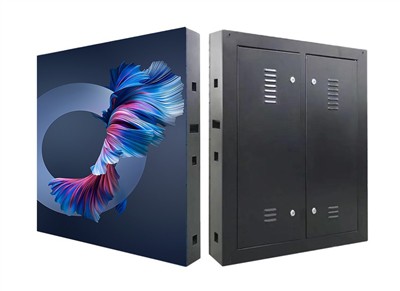
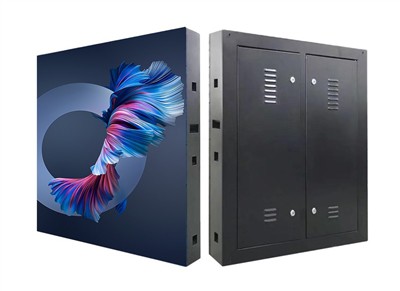
When the image on a flexible LED display screen is unclear, the cause needs to be investigated and addressed based on three aspects: hardware, software, and environment. Specifically:
Hardware Troubleshooting and Repair: Hardware failure is one of the main causes of unclear images. The following two points should be checked:
Pixel Damage: If the pixels of the flexible LED display screen are damaged, it will cause local color distortion or uneven brightness. In this case, the pixel status needs to be checked with professional equipment, and the corresponding module or LED needs to be replaced after confirming the location of the damage.
Connection Line Issues: If there are broken wires, poor contacts, or aging in the wiring between the display screen and the control system, it will directly affect the signal transmission quality. All connecting cables (including ribbon cables and interfaces) need to be checked for tightness. If necessary, resolder or replace the wiring.
Software Settings Optimization: Improper software parameter configuration can directly affect the image display effect. The following two aspects need to be adjusted:
Resolution Matching: If the display screen resolution does not match the input signal source (such as a computer or media player), it will cause the image to be blurry or stretched. The parameters in the control software need to be set to be exactly the same as the physical resolution of the display screen, and the output resolution of the signal source needs to be adjusted synchronously.
Color Calibration: Color deviations (such as color cast or abnormal saturation) reduce the realism of the image. It is necessary to adjust parameters such as RGB three-color balance and gamma value using professional color calibration tools or the color management function of control software to achieve more accurate color reproduction.
Environmental Factors: Environmental conditions have a significant impact on display performance and need to be improved from the following aspects:
Light Interference: Direct sunlight can cause screen glare, while low light environments will make the image dim. The installation angle of the display should be adjusted to avoid direct sunlight or strong light sources; if the ambient light is too strong, a light shield can be installed or anti-reflective glass can be used.
Temperature and Humidity Control: High temperatures accelerate the aging of electronic components, low temperatures may cause slow response, and excessive humidity may cause short circuits. The operating temperature of the display should be ensured to be between -20℃ and 60℃, and the humidity below 80%RH. If necessary, air conditioning or dehumidification equipment should be installed.
Summary: Solving the problem of unclear images on flexible LED displays requires a systematic investigation of hardware integrity, software configuration rationality, and environmental adaptability. Replacing damaged components, calibrating parameters, and optimizing the installation environment can effectively restore clear image quality and improve the visual experience. If the problem persists, it is recommended to contact a professional repair team for in-depth testing.