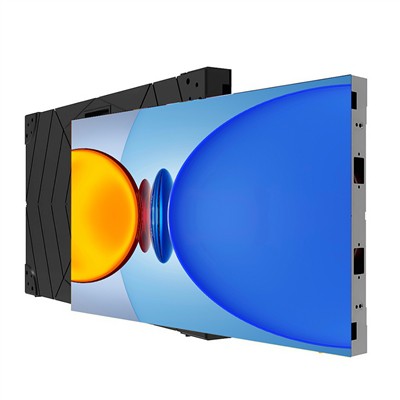
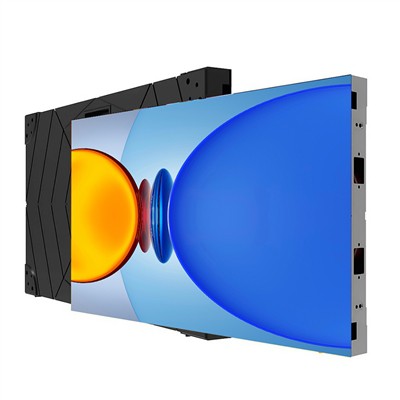
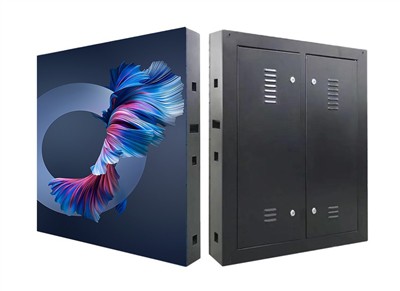
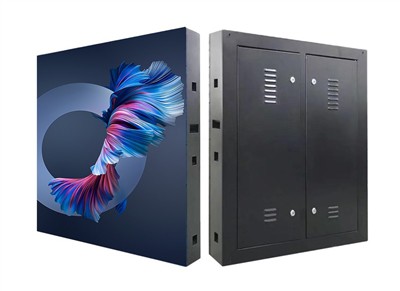
Daily maintenance of foldable LED displays revolves around three core aspects: cleaning, standardized operation, and regular inspection. Specific measures are as follows:
I. Daily Cleaning: Dust and dirt prevention to avoid physical damage.
Surface Cleaning:
Frequency: Weekly: Gently sweep dust along the screen's texture with a microfiber soft brush. Monthly: Blow away debris from crevices with compressed air (pressure ≤0.2MPa).
Stain Removal: If stained with oil or fingerprints, wipe in the same direction with a slightly damp cotton cloth (wrung out until semi-dry) soaked in 75% medical alcohol. Do not spray liquid directly to prevent alcohol from seeping into the module and causing a short circuit.
Caution: Do not use hard tools (such as blades or fingernails) to scratch the screen, as this may scratch the flexible substrate or damage the LED encapsulation layer.
Folding Area Cleaning:
Quarterly: Clean dust from hinges and pivots with a soft brush and apply a small amount of special lubricant (such as silicone-based lubricant) to reduce friction and wear.
If wrinkles or dents appear in the folding area, stop using the device immediately and contact the manufacturer for repair to prevent substrate breakage due to prolonged folding.
II. Standard Operation: Scientific Folding to Avoid Excessive Wear
Folding and Unfolding Process
Before Folding: Ensure the screen is completely powered off and wait 10 minutes for the internal capacitors to discharge. When folding, apply force slowly along the preset hinge direction. Do not fold in the opposite direction or forcefully twist (minimum bending radius must be ≥ 15 times the screen thickness).
After Unfolding: Check if the screen is flat and free of local bulges or dents. If deformation is found, adjust it with a dedicated calibration tool to avoid permanent damage caused by long-term stress.
Transportation Protection: Use the original hard-shell packaging box filled with shock-absorbing foam to secure the screen and prevent shaking. Avoid storing with sharp objects to prevent scratches on the screen surface.
Environmental Limitations
Temperature: Operating temperature controlled between -10℃ and 40℃, storage temperature between -20℃ and 50℃. High temperatures accelerate LED light decay, while low temperatures cause material embrittlement.
Humidity: Relative humidity ≤80%. Avoid prolonged use in humid environments (such as outdoor rain) to prevent condensation and short circuits.
Corrosion Protection: Keep away from chemical gases (such as sulfur dioxide and chlorine) to prevent oxidation of metal components or aging of the flexible substrate.
Content Playback Guidelines
Avoid Static Images: Long-term display of high-brightness static images (such as pure white or pure red) or high-contrast images (such as solid color background + black text) will accelerate local LED wear. Dynamic slideshow mode is recommended.
Brightness Adjustment: Automatically adjust brightness according to ambient light (e.g., below 800 cd/㎡ at night). For every 50% reduction in brightness, LED lifespan can be extended by 2-3 times.
III. Regular Inspection: Prevent Faults and Repair Hidden Dangers Promptly
LED and Circuit Inspection
Monthly Inspection: Use dedicated software (such as LCT or NovaStar) to scan for "dead LEDs" and "flickering" phenomena, and record the location of faulty LEDs. If a single LED is damaged, replace it with chips from the same batch (color temperature and brightness deviation ≤5%).
Quarterly Inspection: Use a multimeter to check the power supply output voltage (rated value ±5%) and driver board interface resistance (normal value ≥1MΩ) to rule out poor contact or overload risks.
Structural Stability Check:
Check for looseness in the folding hinges and fixing screws. If metal fatigue or cracks are found, replace the component immediately.
Test the flatness of the unfolded screen using a laser level to check the deviation (≤1mm/m). If it exceeds the standard, adjust the calibration mechanism.
Software and Firmware Updates:
Regularly upgrade the control software, fix known vulnerabilities, and optimize the display algorithm (e.g., using "peak clipping" technology to reduce instantaneous current surges).
Update the driver board firmware to improve signal transmission stability and reduce issues such as screen flickering and stuttering.
Summary: Daily maintenance of foldable LED displays should focus on "damage prevention." Through scientific cleaning, compliant operation, and regular inspection, the risks of LED chip detachment and circuit failure can be effectively reduced, extending the screen life to more than 8 years. For high-value application scenarios (such as large-scale performances and landmark building screens), it is recommended to establish maintenance records to record data from each inspection and maintenance, providing data support for long-term stable operation and maximizing investment value.